We use necessary cookies and the Meta Pixel to measure campaigns and improve our offers. You can change your optional-cookie preferences at any time. Read our Terms and conditions.
Online personal color analysis: photos, screens and limits
Online personal color analysis lets you explore clothing colors, discuss a palette and get help with combinations without traveling to a studio. When a service also assigns a season from photographs, the camera and screen become part of the assessment. Understanding what each format can show helps you choose a service, prepare usable photos and decide when a result needs a closer look in person.
At a glance
Online consultations can help you use a palette and compare wardrobe options. A consistent photo series may support observations about color relationships, but a selfie cannot establish an exact season with certainty. Send original files taken in stable light, ask how retakes and inconclusive results are handled, and check important color matches against physical materials. Digital draping and a video call do not reproduce every part of an in-person fabric comparison.
Start with what you want to do: find a first palette, understand one you already have, or choose colors for a particular outfit. An automated app, a consultant reviewing photos and a live appointment involve different kinds of assessment. Ask who evaluates your images and whether you will be able to discuss the result.
Format
What it offers and what to check
Photo review
A consultant assesses the files you submit. Ask which photos are required, how they are checked and what happens if they conflict.
Live video consultation
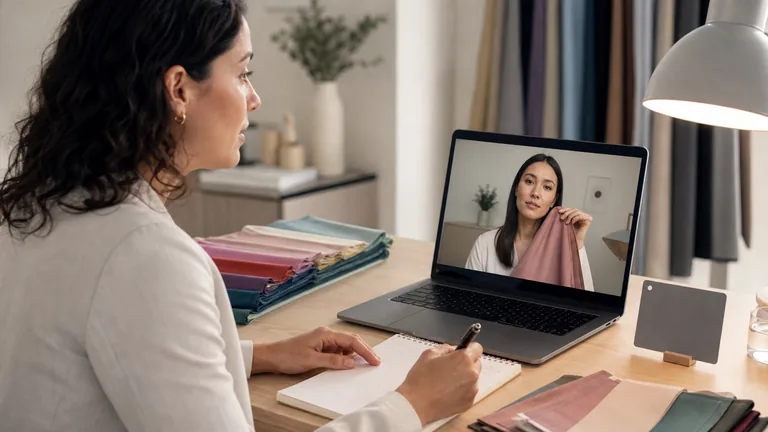
You can adjust the setup with guidance, ask questions and discuss clothes or a palette. Check whether separate original photos are needed; webcam processing can change during the call.
Digital draping
Colored backgrounds or borders are placed around a photograph. The face pixels stay fixed unless edited. Added colors change the visual context but do not reproduce light reflected by fabric onto the face.
Physical drapes used at home
Identified fabrics, sometimes from a mailed kit, let you repeat comparisons. Lighting, placement and camera settings still need attention; the consultant sees a processed image.
Format: Photo review
What it offers and what to check: A consultant assesses the files you submit. Ask which photos are required, how they are checked and what happens if they conflict.
Format: Live video consultation
What it offers and what to check: You can adjust the setup with guidance, ask questions and discuss clothes or a palette. Check whether separate original photos are needed; webcam processing can change during the call.
Format: Digital draping
What it offers and what to check: Colored backgrounds or borders are placed around a photograph. The face pixels stay fixed unless edited. Added colors change the visual context but do not reproduce light reflected by fabric onto the face.
Format: Physical drapes used at home
What it offers and what to check: Identified fabrics, sometimes from a mailed kit, let you repeat comparisons. Lighting, placement and camera settings still need attention; the consultant sees a processed image.
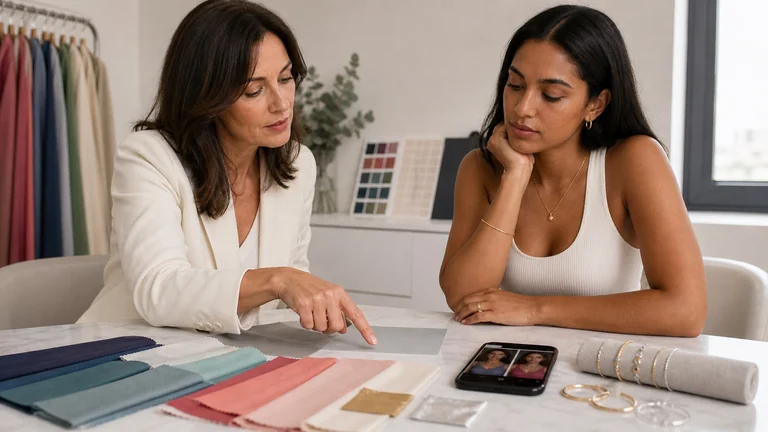
If you already have a palette, bring it and a few clothes you find difficult to combine. You can work on contrast, color placement and wardrobe combinations; reading and using your personal color palette explains those decisions. For a subtle question about undertone or a seasonal subgroup, direct observation of suitable drapes under stable light gives the consultant more control over the comparison. In-person analysis still depends on the method, materials and observer.
Compare the price, timing and deliverables
Before paying, ask for the photo instructions, the final deliverable, the number of retakes included and the policy for an inconclusive result. For a mailed kit, check shipping, deposits, cleaning instructions and return costs. A digital palette does not imply that physical swatches or a follow-up call are included.
Two services available to US clients illustrate the difference between formats. On October 20, 2026, Jh Styling's virtual color analysis lists $225 USD for a photo review completed without a scheduled call. It promises the emailed analysis within 5 to 7 business days after receiving the photos and includes a mailed color wallet. That turnaround describes the emailed result, not a guaranteed postal delivery date; the product page does not specify a live consultation or whether follow-up is included.
JoAnne Richmond's online consultation lists $249 USD for a one-hour video appointment, with photos submitted beforehand and an individual color swatch fan included. The page does not specify the fan's delivery schedule or whether follow-up is included. For either service, confirm the final charge, any tax or shipping, and what happens if new photos are needed.
These are individual offers, not a national price range or a comparison of accuracy. A photo review's delivery window and an hour on a call measure different parts of the work. If you are comparing broader packages, use the color analysis cost and service guide to check what the price includes.
Prepare the light, face and camera
Send one test photo through the agreed channel before taking the full series. This lets the consultant check the framing and lighting while changes are still easy. Follow the service's instructions for the number of photos and any fabrics to use.
Prepare your face without foundation, lipstick or tinted products when possible. Mention self-tanner and recent hair coloring. Pull hair back or cover it if requested, and use a matte neutral top or cape. Agree on workable adjustments if any preparation step is difficult for you.
Face a window with diffuse light, without direct sun on your face. Turn off lamps that add a different color of light, and move away from colored curtains or walls. Check whether one side of your face is in deep shadow or picks up a colored reflection. If clouds noticeably change the light, pause before continuing.
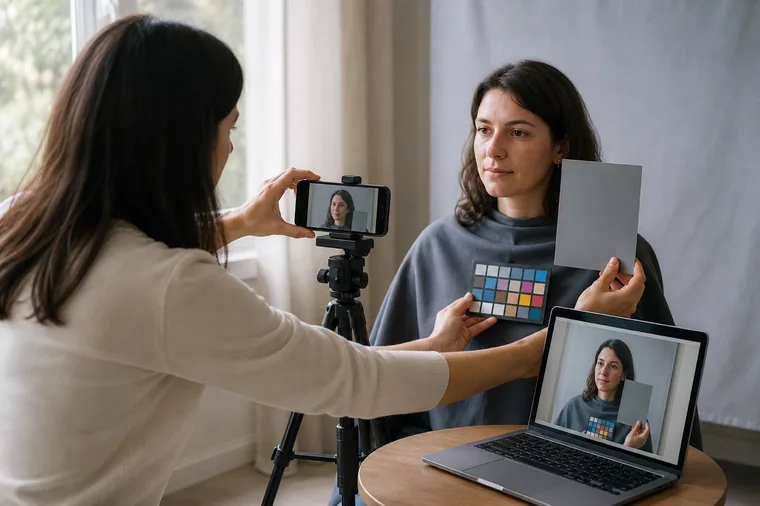
Clean the lens and keep the phone at face height. Use a stable support with a timer, or ask someone to hold it steady. Use the rear camera if you can frame the shot reliably. Keep your face, neck and the relevant fabric visible, avoiding a very wide lens close to your face. Keep the same camera, distance and zoom throughout.
Use regular Photo mode and turn off optional filters, skin smoothing and color-altering styles. Lock focus and exposure if your phone or app allows it. White balance is a separate setting; do not assume that an exposure lock also locks color balance.
Take a starting reference, make the agreed comparisons and repeat the reference at the end. With drapes, keep the exposed area consistent and return to the first fabric after the second. Label the files or note their order so the consultant can follow the sequence.
Apple's camera controls guide explains how to touch and hold the focus area on the screen until AE/AF Lock appears on iPhone. This locks focus and exposure. It does not certify neutral color reproduction. On supported models, Photographic Styles can change selected colors; check that the style is set to Standard. Menus and available controls vary by model, app and software version.
Phones may still combine exposures or adjust highlights, shadows and local contrast. Avoid brightening each photo separately to make it more flattering. If the camera visibly changes the entire face when a new drape enters the frame, flag that change before interpreting it as an effect of the fabric.
The support keeps the framing steady. A photographic reference needs the same light as the face; its presence alone does not establish accurate color.
What a gray card or drape kit can help with
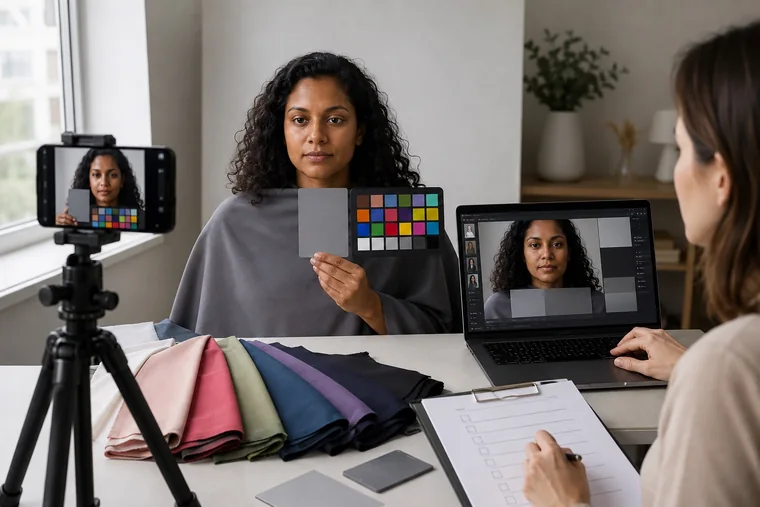
A photographic gray card provides a neutral reference for setting or checking white balance. Keep it near the face, in the same light and free of glare. A reference at the start and end can help reveal a change in conditions. Adobe's white balance guidance also explains why combining window light with a different lamp can leave opposite sides of a face with different color casts. A single white balance adjustment cannot make those two light sources identical.
A chart with known color patches helps someone trained in color management check reproduction across more colors. A home printout is not an equivalent reference: paper, ink and printer settings change the patches. Ask whether the consultant uses either tool before buying one. Neither a gray card nor a chart calibrates your screen or determines your season.
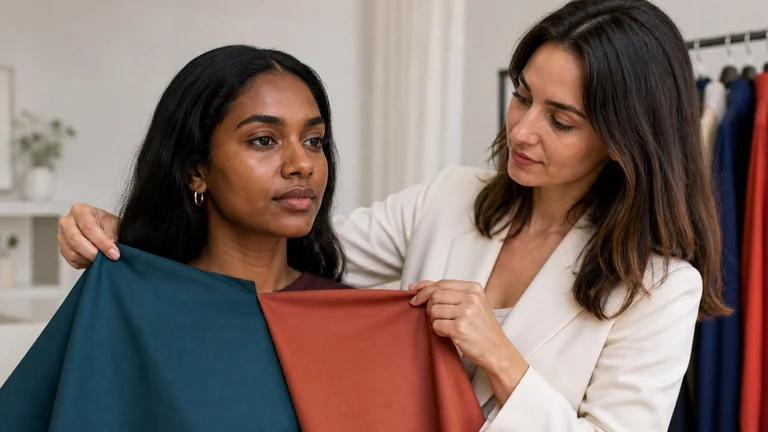
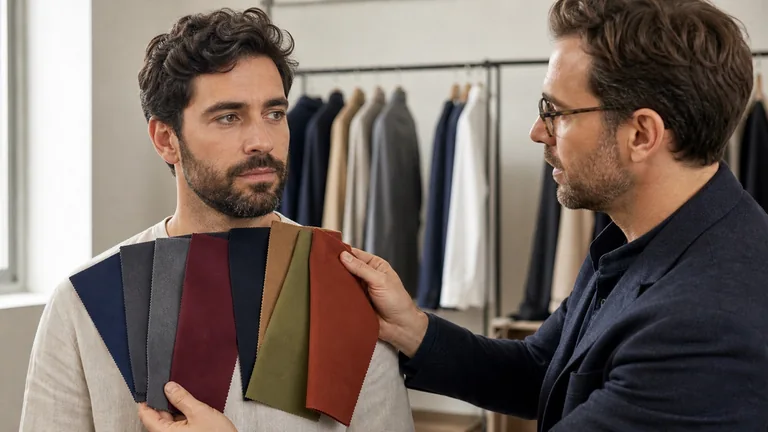
A mailed drape kit gives you identified fabrics and a repeatable order. Check how much fabric to show, where to hold it and how to return it. Changing the color, sheen and amount of fabric at once makes the comparison harder to interpret. Note what you see directly as well as what the consultant sees remotely; a disagreement may be a reason to repeat the comparison or meet in person.
Send original files and recognize a retake
Keep the originals and use the consultant's upload route or a private file link. Avoid screenshots and copies downloaded from social media. If a messaging app offers a file or document option, check that it preserves the format and dimensions; an HD label alone does not establish that the file is unchanged. Include the phone model, app, shooting mode, lighting conditions and photo order.
A color profile tells compatible software how to interpret a file's color values. Preserve it when present. Adobe distinguishes assigning a profile from converting colors: assigning a different profile can change the appearance without changing the stored values. Leave conversion to the agreed workflow. If the service needs an sRGB JPEG copy, keep the original too. A missing profile needs investigation alongside the file's history; it is not, by itself, proof that every such photo is unusable.
What you notice
What to do next
The face is sharp, skin detail is visible and the starting and ending references look similar.
The series may be ready for review. Consistency between frames does not prove an exact match to physical color.
Forehead or cheeks have blank white areas, or shadows hide detail.
Adjust the light or exposure and retake the affected photos. Editing cannot recover information that was never recorded.
The gray reference, background or whole face changes tint between drapes.
Check lighting and camera automation, then repeat the pair in stable conditions before judging the fabric.
There is smoothing, blur, a screenshot or an unknown edit.
Find the original or make a new series. Combining incompatible files will not resolve the uncertainty.
What you notice: The face is sharp, skin detail is visible and the starting and ending references look similar.
What to do next: The series may be ready for review. Consistency between frames does not prove an exact match to physical color.
What you notice: Forehead or cheeks have blank white areas, or shadows hide detail.
What to do next: Adjust the light or exposure and retake the affected photos. Editing cannot recover information that was never recorded.
What you notice: The gray reference, background or whole face changes tint between drapes.
What to do next: Check lighting and camera automation, then repeat the pair in stable conditions before judging the fabric.
What you notice: There is smoothing, blur, a screenshot or an unknown edit.
What to do next: Find the original or make a new series. Combining incompatible files will not resolve the uncertainty.
A useful retake request names the problem and the change to make, such as turning off a warm lamp or keeping the phone in one position. If you provide the service, record which files you accepted and why others need replacing; keep originals separate from edited copies. Explain whether the next step is another guided attempt, a different deliverable or an in-person appointment, with the agreed costs or refund terms.
Use video calls and display settings consistently
Video is useful for correcting position and explaining a result. Watch for changes when a drape enters the frame: the webcam may alter exposure or white balance, while the connection can change image quality. If the picture freezes, becomes heavily compressed or shifts color, use the call to guide preparation and review separate original photos afterward. A screenshot of the call is not a substitute for those files.
Keep your viewing conditions steady. True Tone adjusts an Apple display's color and intensity to ambient light; Night Shift shifts it toward warmer colors. Turn these off temporarily for comparisons, along with vivid color modes or color-changing filters, if you can do so without losing needed accessibility settings. Avoid glare and changes in brightness. These display settings affect what you see, not the color values already stored in the photo.
For the consultant, calibration adjusts a display toward a chosen behavior, while a profile describes its color characteristics to compatible software. The International Color Consortium explains how the two work together. A display colorimeter helps measure the monitor for this process. It cannot fix mixed lighting, clipped detail or a filter in the original photo, and there is no need for a client to buy one just to attend a consultation.
Displays also have different gamuts, meaning the ranges of colors they can reproduce. Colors outside that range must be adapted for display, as explained in W3C's color specification. File profiles and app support matter too. Do not adjust one device until it looks like another and treat the agreement as proof of a fabric's real color.
The scene, phone capture and laptop view are separate stages. This setup shows where to check consistency, not a measured comparison of color accuracy.
Read the result and decide what to check in person
Ask the consultant to separate repeated observations from their interpretation. For example, saying that a strong contrast draws attention away from the face in this photo series describes something you can discuss. Naming a seasonal subgroup adds a conclusion that needs supporting comparisons. A photo's sampled skin pixels cannot establish a seasonal undertone or provide a medical diagnosis.
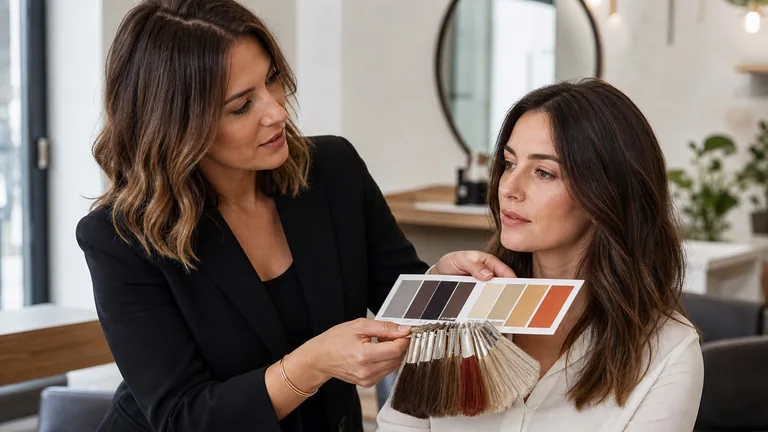
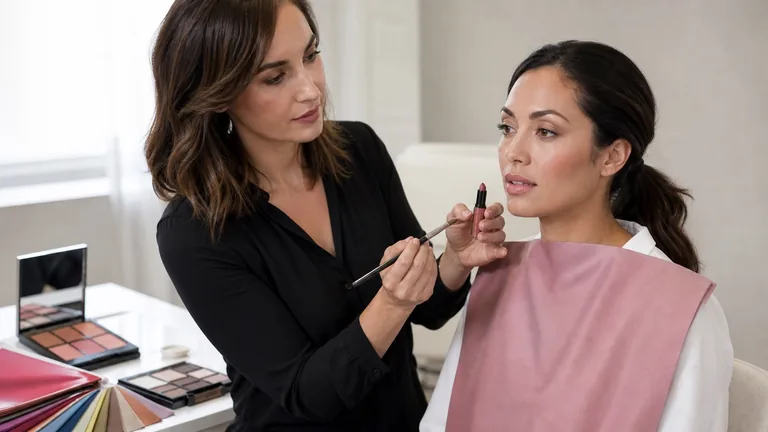
Your report or consultation should connect the findings to your goal: choosing two workwear neutrals, combining a jacket you own or comparing makeup colors. A digital palette can help you remember relationships and combinations. For a close fabric match, hold a physical swatch beside the material. Check makeup shades in person when possible, and discuss hair color swatches with your stylist. Clarify how long follow-up is available and which questions it covers.
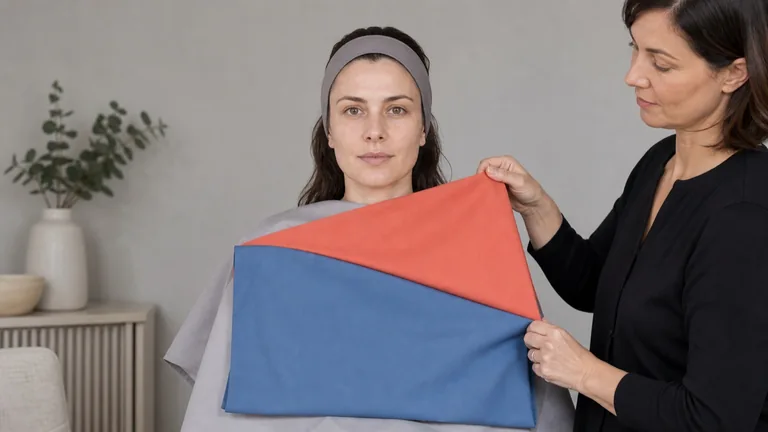
Choose an in-person check when repeated photo series conflict, lighting cannot be stabilized or the decision requires distinctions the images do not preserve. Bring the photos and the unresolved question. The physical draping test lets the consultant repeat the relevant fabric comparisons while observing you directly. If travel or digital preparation is difficult, discuss assistance or a narrower online service focused on applying a palette you already use.
Agree on photo use before you upload
Read the privacy policy and ask who can access the images, which upload or storage providers receive them, how long originals and edited copies are kept, and how to request deletion. Share only the requested material through a private channel. Keep other people and identifying home details out of the frame, and ask how to remove unnecessary location data without disrupting the agreed file format. If a call will be recorded, clarify the purpose, access and retention first.
Permission to review photos for your consultation should be separate from permission to use them in advertising, social posts, teaching examples or AI training. Ask for a separate, optional choice for those uses, with the intended audience and channels identified. You should be able to book a consultation without agreeing to public promotional use.
For providers, the FTC's information-security guidance recommends collecting only what the business needs, limiting access and disposing of information when it is no longer needed. Put the retention period and deletion process in writing, including working copies and backups. US privacy rights vary with the applicable law: California's CCPA, for example, gives California residents rights including deletion, subject to exceptions, when dealing with covered businesses. It does not apply to every small consultant or every US client.
Frequently asked questions
Can I use photos already on my phone?
They can show past hair colors, favorite outfits or what you want help with. Photos taken on different days, in different light or with different makeup do not form a consistent fabric comparison. Keep them as background material and take the requested series for the assessment. If a provider asks for childhood photos, ask how they will use them and what alternative is available if you do not have one.
Do I need RAW files or a new camera?
Ask which formats the service accepts before buying equipment. An original JPEG or HEIF file may suit its protocol. RAW offers more editing flexibility, but it still needs consistent processing; Apple ProRAW combines RAW information with iPhone image processing. No file format fixes poor lighting or proves that a seasonal classification is correct.
What if I can only use the front camera?
Send a test shot first so the consultant can assess sharpness, framing and automatic retouching. Keep the same camera, mode and position for the series. If the phone continues to change the appearance of your skin or contrast visibly, ask what can still be assessed and whether another setup or service would answer your question better.
Compare fabrics on olive and deep skin tones with steady light, matched pairs and repeatable observations. Keep useful results when a season remains uncertain.